Webview Integration
The following section describes how ID-Flow can be integrated into your application to create a seamless user experience.
A whitelabel solution will be developed for your particular instance and placed on a specific URL.
The app can then open this URL inside an IFrame or WebView, appearing as though it's part of the original app.
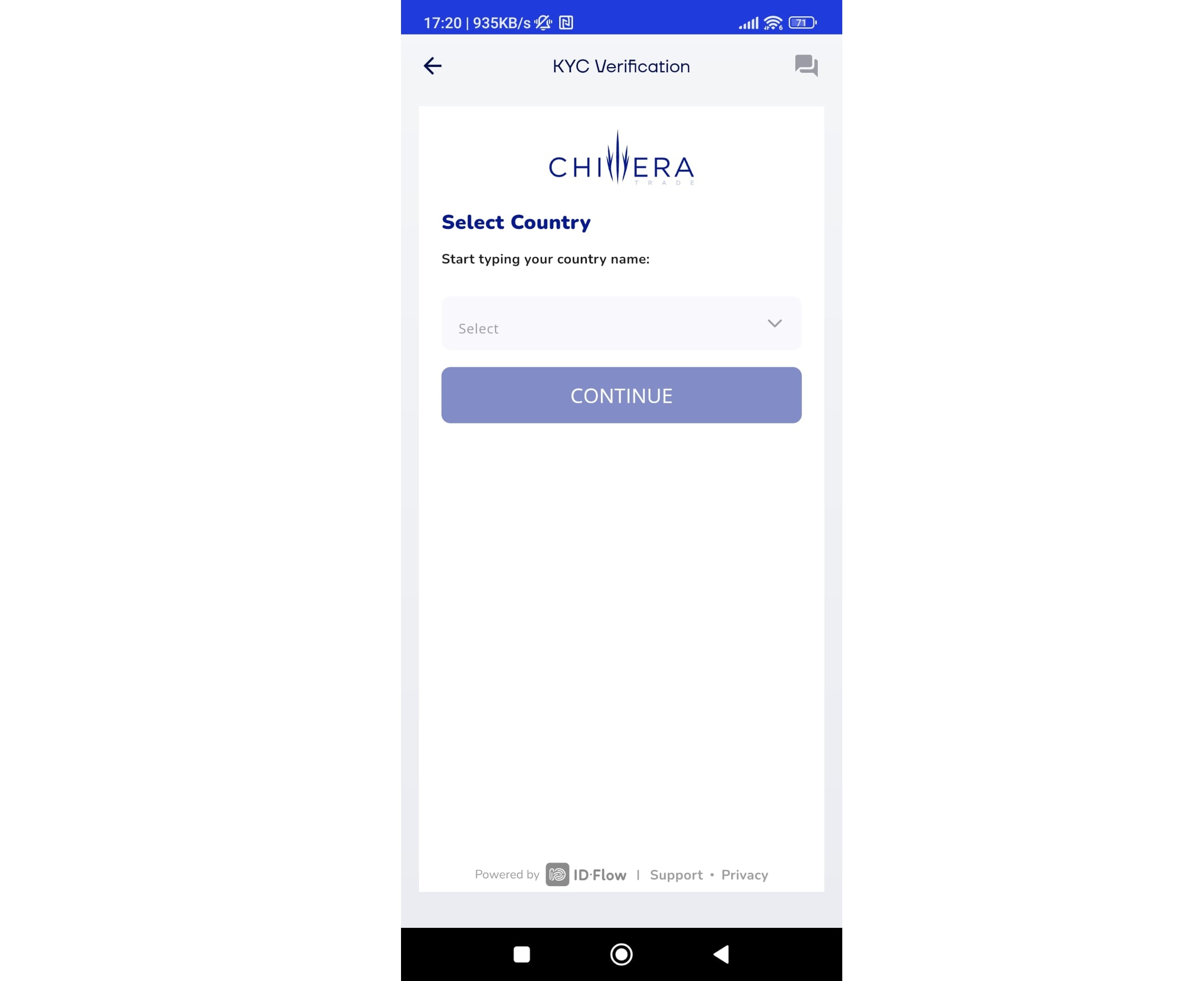
All the remaining functions and integrations will work as demonstrated in the following guides.
WebView
The URL of your particular client instance should be integrated within a web view or iFrame inside your respective application.
Once the webview has been created, the user will then need to authenticate. Given that authentication happens externally through an email 2FA, further integration will be needed to complete the authentication flow.
Authentication flow
The respective flow is as follows:
- The user will be presented with the ID-Flow registration pages, and asked to confirm their email.
- The user will receive the respective email, with the link containing the
uid,codeandtypeparameters. - The link will open an ID-Flow web page, with a button contaning a deep link to open the app. The deep-link format would usually be something like:
app-name://uni/kyc/<uid>/<code>/<type>
- The app should have the app deep-link configured to open the app, and open the respective page containing the ID-Flow webview.
- The above parameters should then be passed to the ID-Flow webview as query parameters, in the following format:
http://id.example.com?uid=<uid>&code=<code>&type=<type>
- The ID-Flow web application inside the webview will then use the above parameters to authenticate the user and continue the rest of the flow accordingly.
Retaining the Refresh Token
To prevent the user having to log in everytime, ideally the access tokens and refresh tokens are retained within the app.
To retrieve the above tokens, the authentication steps mentioned above should be followed.
Once the app has retrieved the relevant parameters through the deep link, a call to the authentication endpoint /api/auth/magic-link-confirm may be called.
These tokens provide access to sensitive data belonging to the particular user and should be handled with care.